Basic
$29.90/month
≈ 15–36 videos / mo
- 360 credits delivered monthly
- Credits valid for 30 days
- HD video, no watermark
- Share & post anywhere
- Failed renders are free
- Renews monthly, cancel renewal anytime
Create an AI rap video from two photos. Choose your duo, pick a stage, and share the result.
Duet Booth is an AI rap video generator for two people, two pets, or you and a friend. Upload one photo for each performer. Use Original moves for the Hotel Lobby reference, or choose a stage in New performance to create a fresh rap duet.
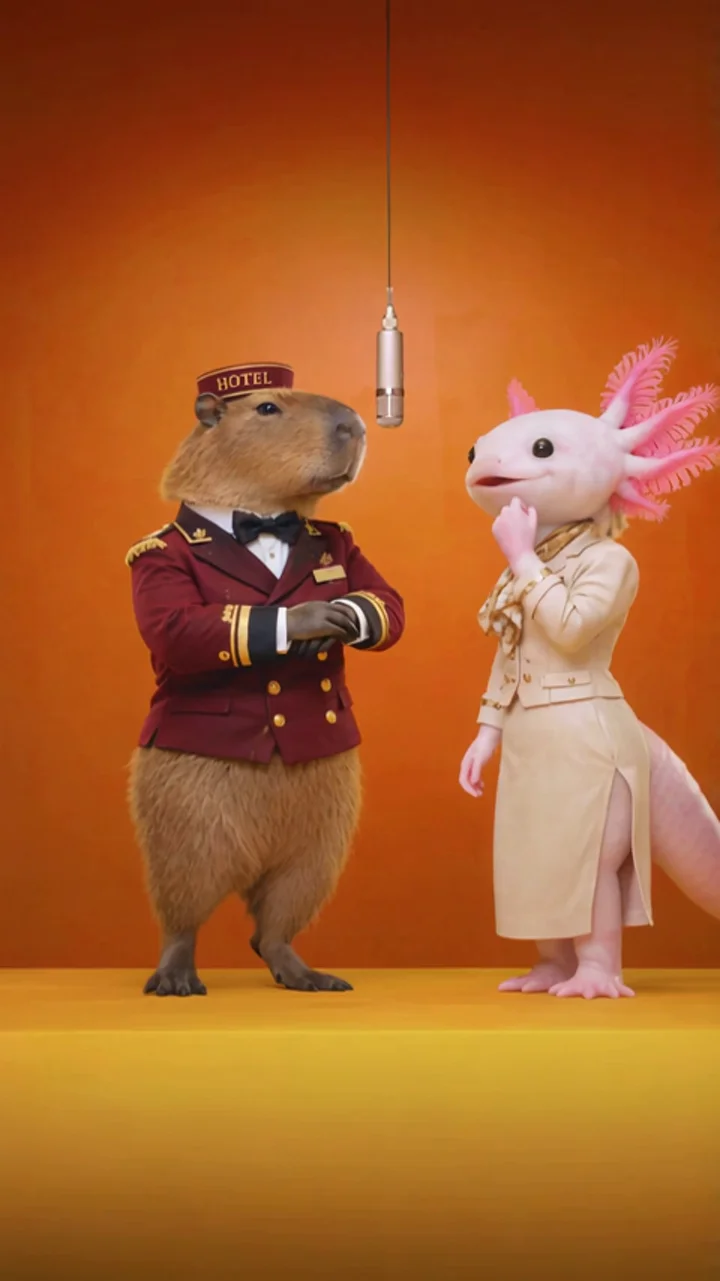
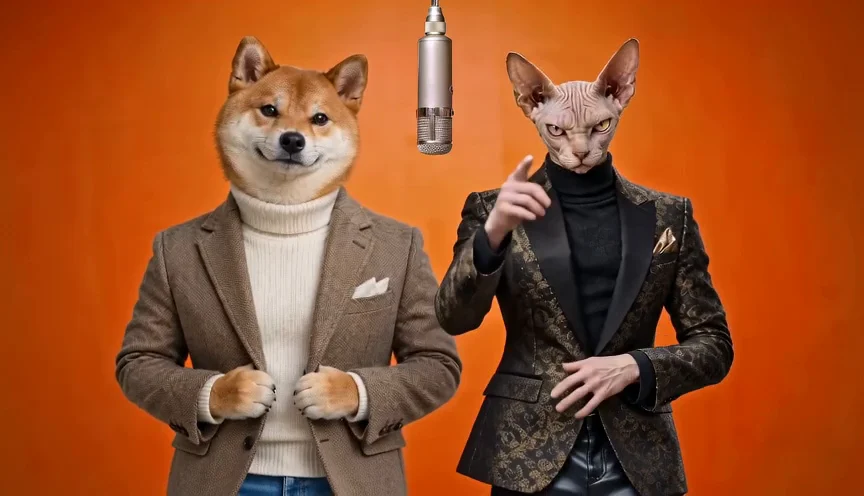
Two photos, one stage, and a rap video you can download.
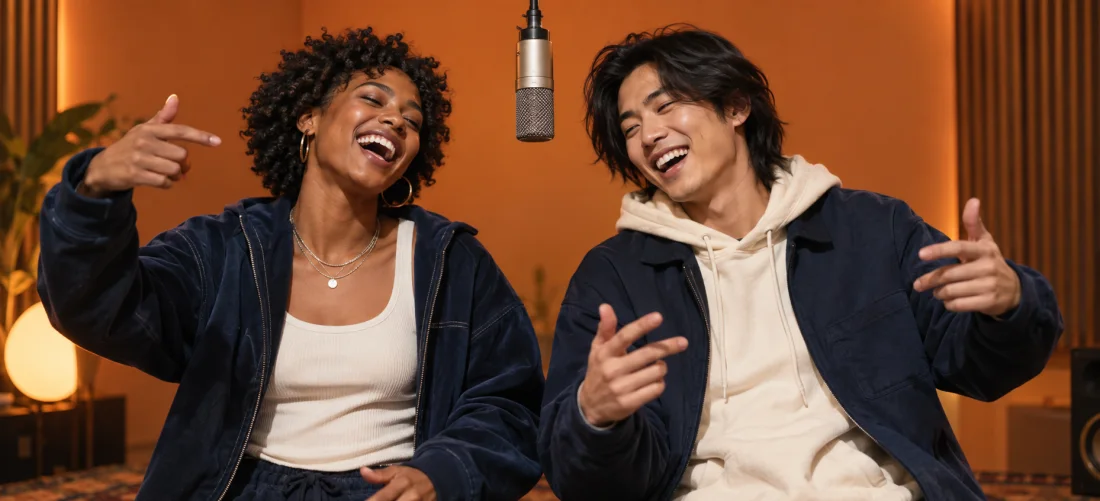
Choose who belongs in your AI rap video. Upload two separate images, with one clearly visible person or pet in each. Use JPEG, PNG or WebP files up to 10 MB each, and check the left and right positions.
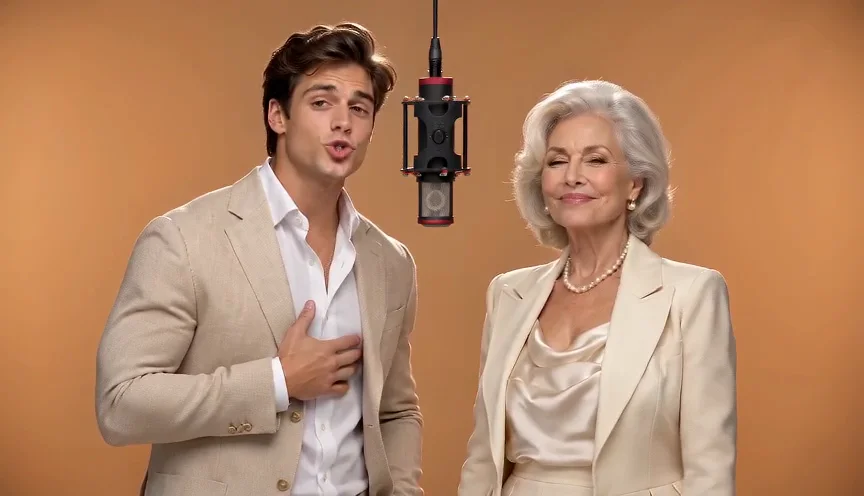
Choose Original moves to use the Hotel Lobby reference, or New performance to choose a stage and add an optional theme. Select your length, resolution, and format, then check the credit cost. After uploading, sign in and buy credits if you need them.
Generate your rap video and follow its status. Check both performers and audio before downloading. Return to History under the same account to find your completed clip.
Make a rap video with a friend, partner, sibling, coworker, or pet. Separate photos let you include someone far away. Use images with permission; for children, get the appropriate parent or guardian’s permission.
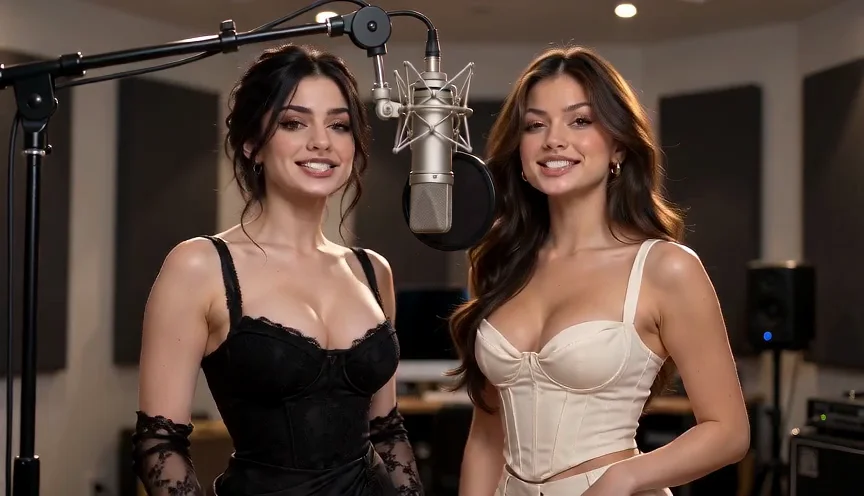
Best Friends
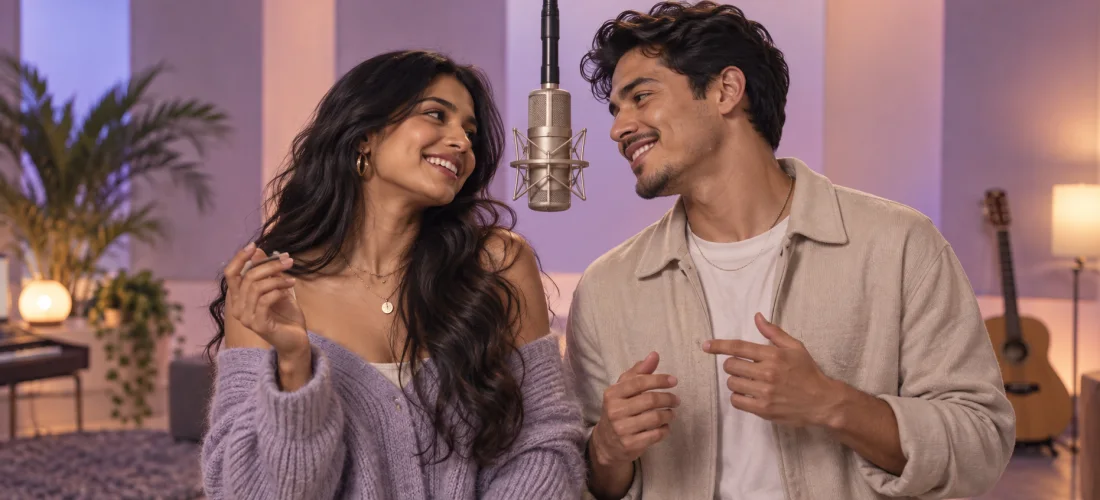
Couples
Siblings
Parent + Child
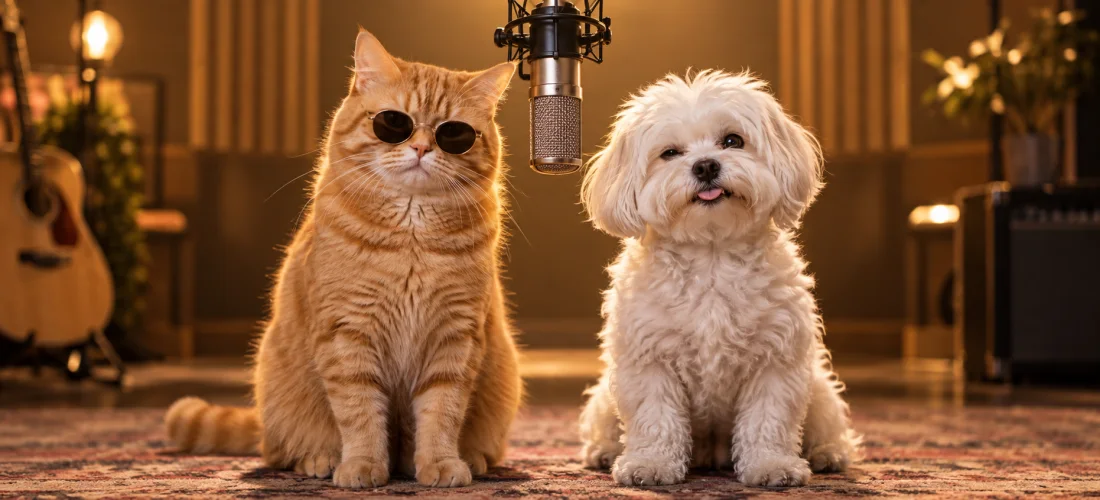
You + Your Pet
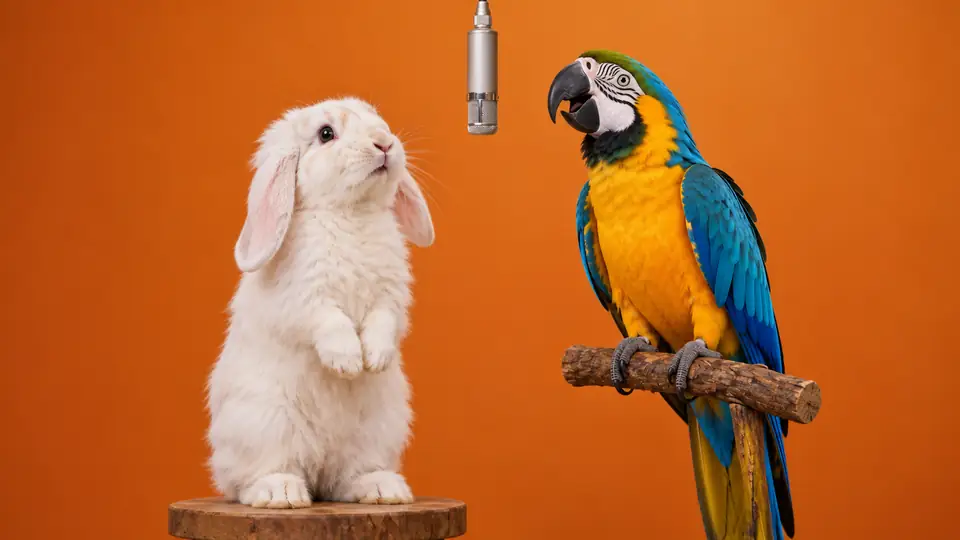
Two Pets
Coworkers
Anyone You Want
Turn a birthday, reunion, or inside joke into an AI rap video. Choose an occasion to open New performance with a theme already filled in. Exact spoken names and custom lyrics are not selectable.
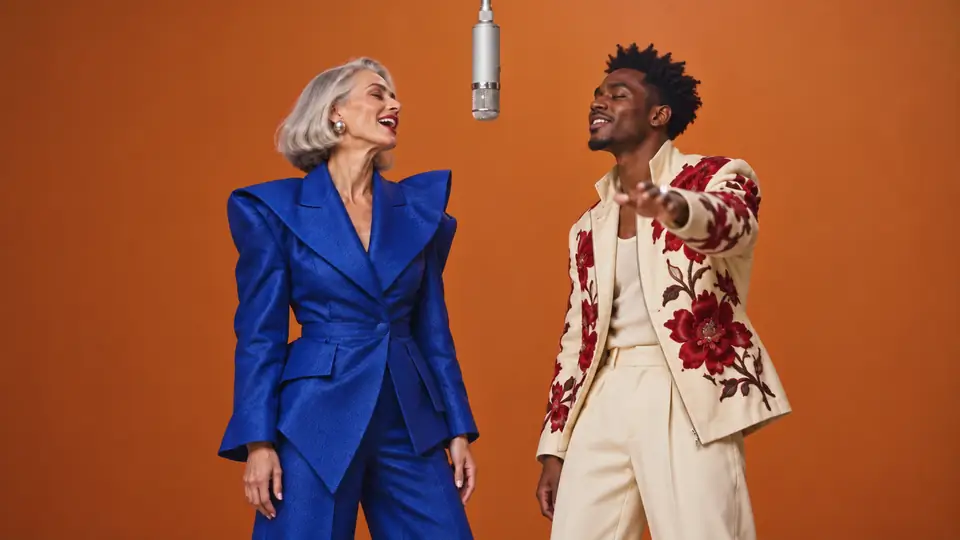
Start with Hotel Lobby AI, or choose a theme for a new rap duet. Other ideas open New performance with the theme filled in; choose your stage in the generator. The images show example scenes.
Learn how the AI rap video generator works, choose better photos, and explore the Hotel Lobby trend before creating your clip.
Explore the orange-stage trend, see how reference-based clips differ from fresh scenes, and open the dedicated Hotel Lobby AI tool.
See the actual upload and settings interface, understand credits, and learn where to find and download a completed video.
Give each person their own upload slot. Your separate photos guide the left and right characters in the rap video; review both appearances in the finished clip.
Original moves uses a preset Hotel Lobby reference. New performance lets you choose a stage and add an optional theme; neither mode requires a detailed prompt.
Make an AI rap video even when you are apart. Use separate photos, with permission from both people, without arranging a joint recording.
Download your completed rap video in landscape 16:9 or portrait 9:16. Choose the format for your group chat, social post, or larger screen, and review it before sharing.
Choose monthly credits or a one-time pack.
Savings compare the price per credit with Basic monthly.
≈ 15–36 videos / mo
≈ 45–100+ videos / mo
≈ 120–280+ videos / mo
Credits expire 30 days after delivery. Cancel renewal anytime.
Pay once. No subscription. Credits never expire.
≈ 1–3 videos
≈ 7–18 videos
≈ 50–120+ videos
≈ 130–300+ videos
≈ 450–1,000+ videos
Pack savings compare the price per credit with Single Pack.
Pick a Booth offers starting ideas for your AI rap video. Hotel Lobby AI opens its dedicated tool page. Other cards fill in a theme in New performance, where you can choose a stage. Original moves uses the fixed Hotel Lobby reference scene.
The AI rap video generator needs two separate images, with one visible person or pet in each. This lets you choose the intended left and right characters. JPEG, PNG and WebP files are accepted, up to 10 MB each.
Yes. Try a pet rap video with two pets, or pair yourself with one. Keep the face and outline visible in each photo. Check the pet examples for ideas; the AI may change appearances and gestures, so review the result before sharing.
Timing varies with the model and queue. Follow the task status or return to History under the same account. Avoid submitting a duplicate request while the first is pending.
An exact song, artist voice or choreography is not promised. The reference mode follows a supplied scene, while fresh rap videos request new music and vocals. The Hotel Lobby tool page explains the difference and links to the original performance for context.
Credits are reserved when accepted, then settled on success or released after a confirmed terminal failure. A temporary connection error can leave a task pending; check History before retrying.
Yes: landscape 16:9 is the default, with portrait 9:16 available. Durations are 5, 10 or 15 seconds. Resolution and credit cost depend on the selected mode.
Review both appearances and the audio. Use photos with permission and identify generated content when context could be misleading. Downloading a video does not grant likeness or music rights.
Try the AI rap video generator with two photos. Pick your pair, choose a stage, and put someone special in the spotlight.